Role & Contribution
Technical Instructor & Content Creator - Researched, learned, and produced a comprehensive tutorial on the newly released Procedural Content Generation (PCG) framework in Unreal Engine 5.2.
PCG Workflow Designer - Developed and demonstrated three distinct, practical applications of the complex node-based tool for quick and realistic environment setup.
Educational Authority - Created high-value, timely educational content that received significant positive community recognition and engagement.

Goal & Challenge 
The primary goal was to quickly introduce and teach the complex Procedural Content Generation (PCG) tool to the Unreal Engine community shortly after its release. The main challenge involved mastering a brand-new, node-based tool on short notice and distilling its wide functionality into three clear, practical workflows for effective teaching.

Process & Educational Strategy 
The process began with rapid self-learning and experimentation with the new PCG toolset before creating the structured tutorial curriculum, I referenced other artists who were creating similar content at the time including an individual who was part of the team who made the PCG framework. The tutorial focused on practical applications of the PCG graph, leveraging its Node Graph capabilities to control asset density, scale, and rotation for realistic distribution of assets. Visual communication was key, using the complexity of the PCG graphs to showcase the power of the tool, while the voice-over guided viewers through each node step-by-step. The highly positive reception from the community confirms my ability to quickly adapt to new software features and communicate complex technical information effectively.

The Unreal Engine 5.2 update was an exciting one packed with new features and upgrades. But the Procedural Content Generation was the cream of the crop for many.
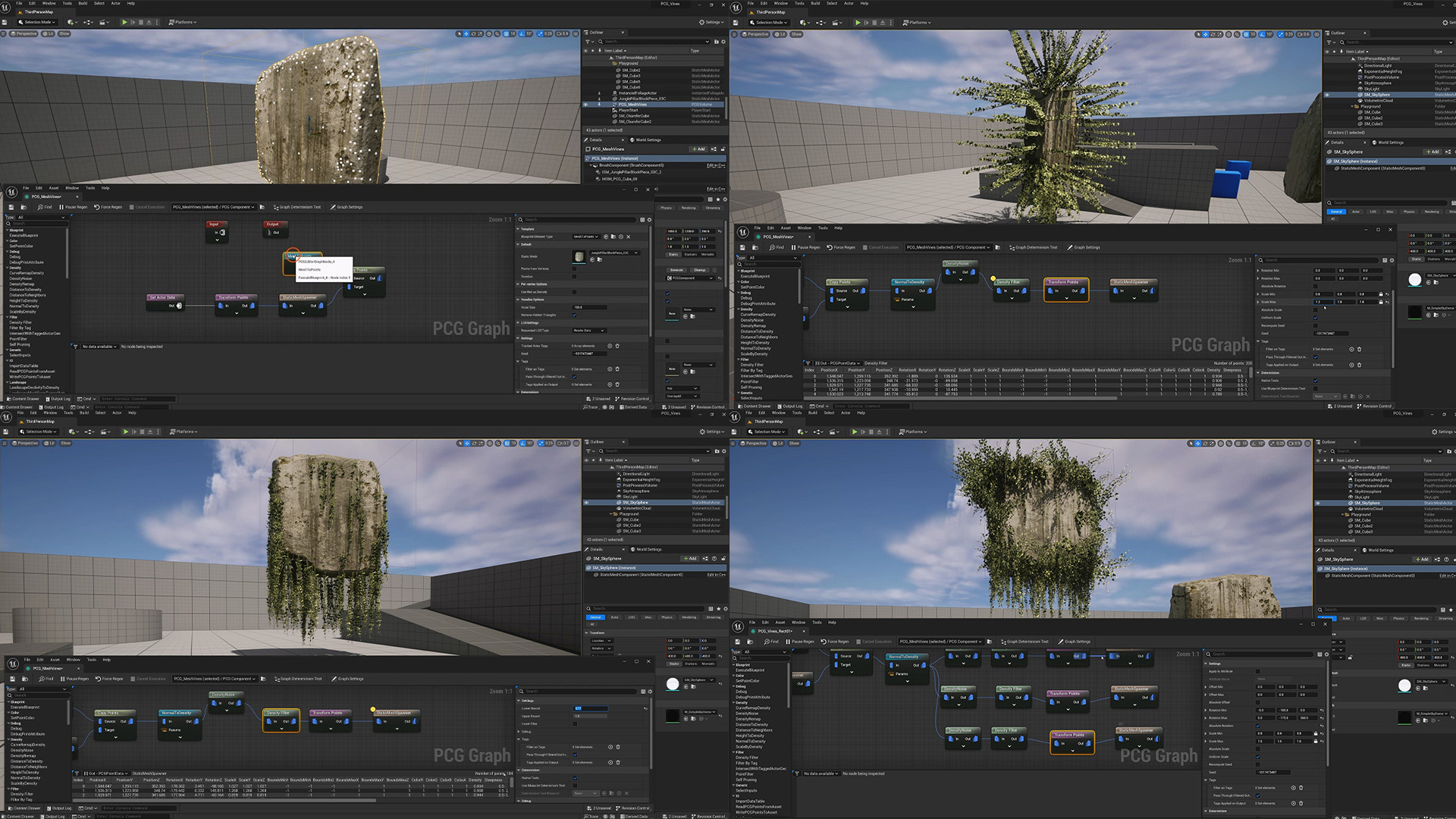
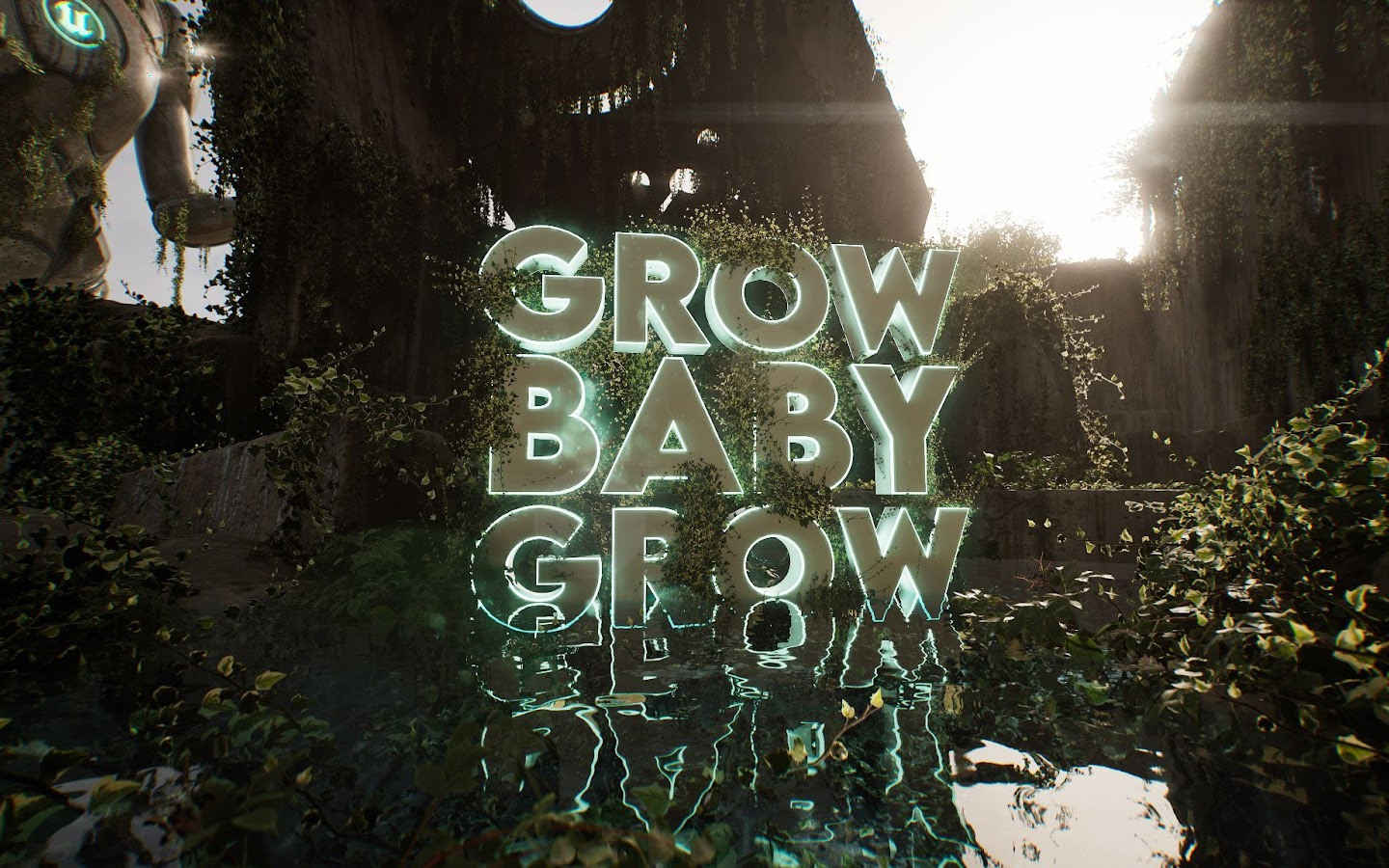
With a set of nodes at your disposal, you can plot certain points on a 3D mesh, use those points to spawn other things, in my example, vines.
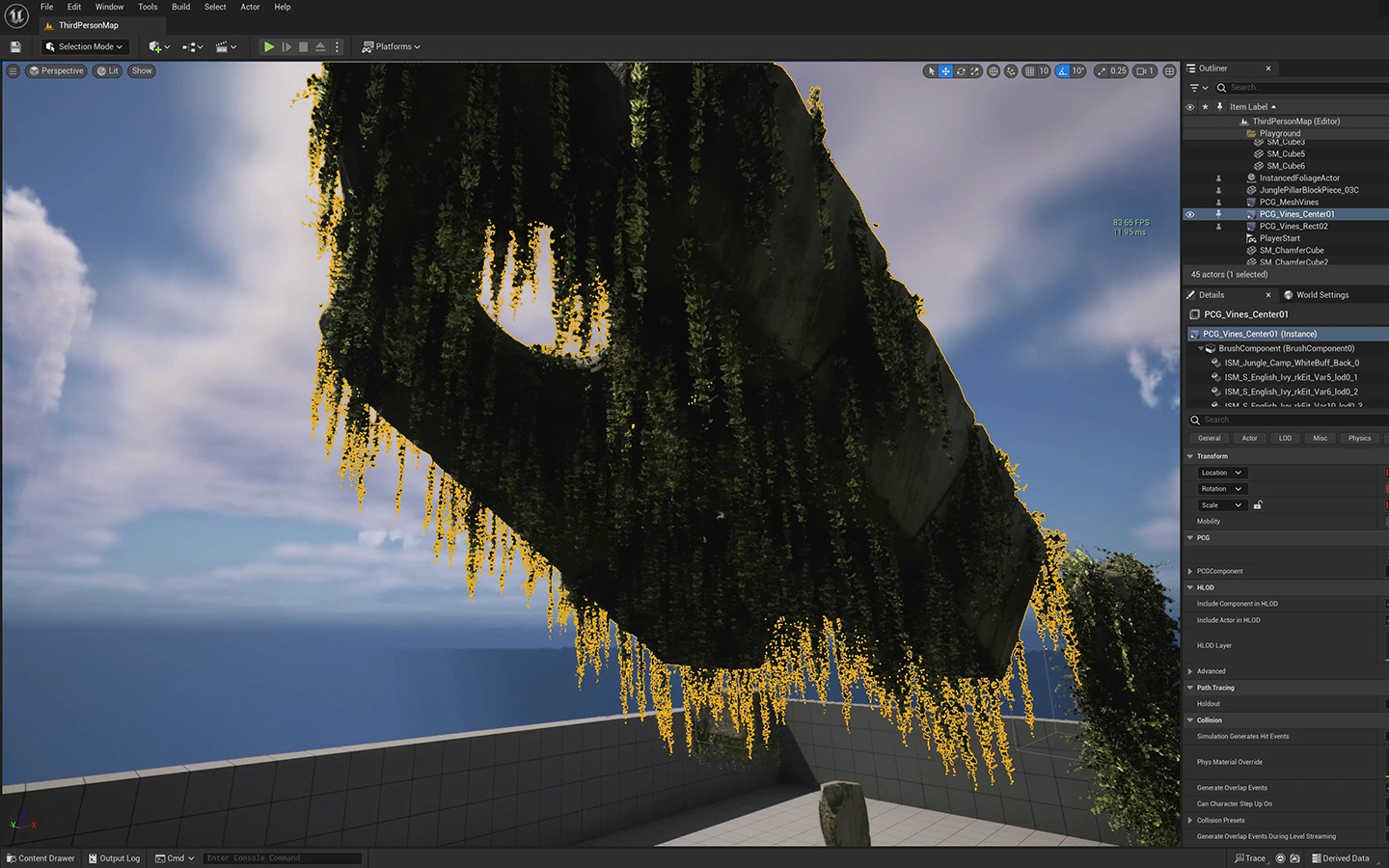
The node system is not anything new but the fact that this system can interact with almost anything in Unreal Engine was new. There is an ocean of possibilities here. 
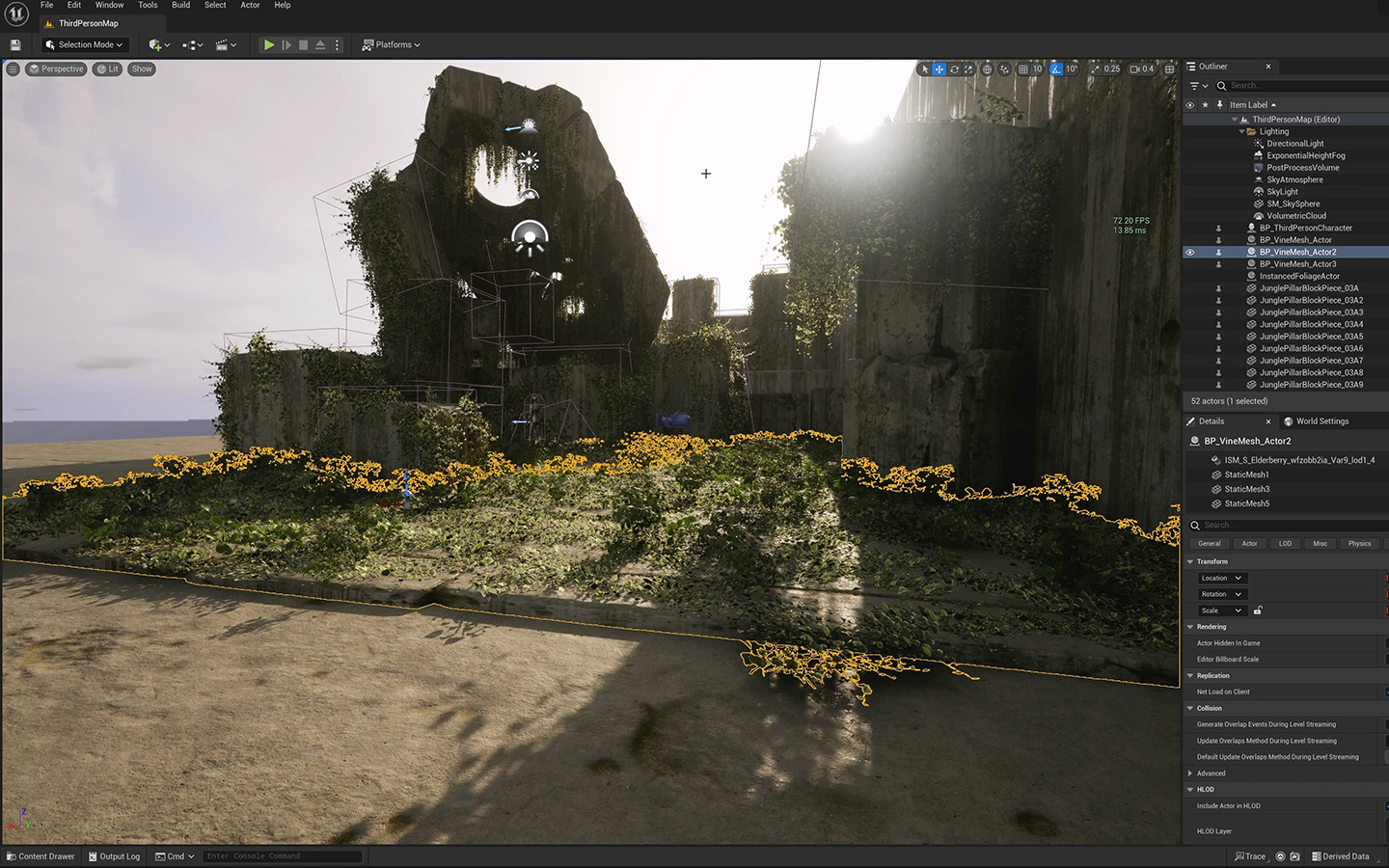
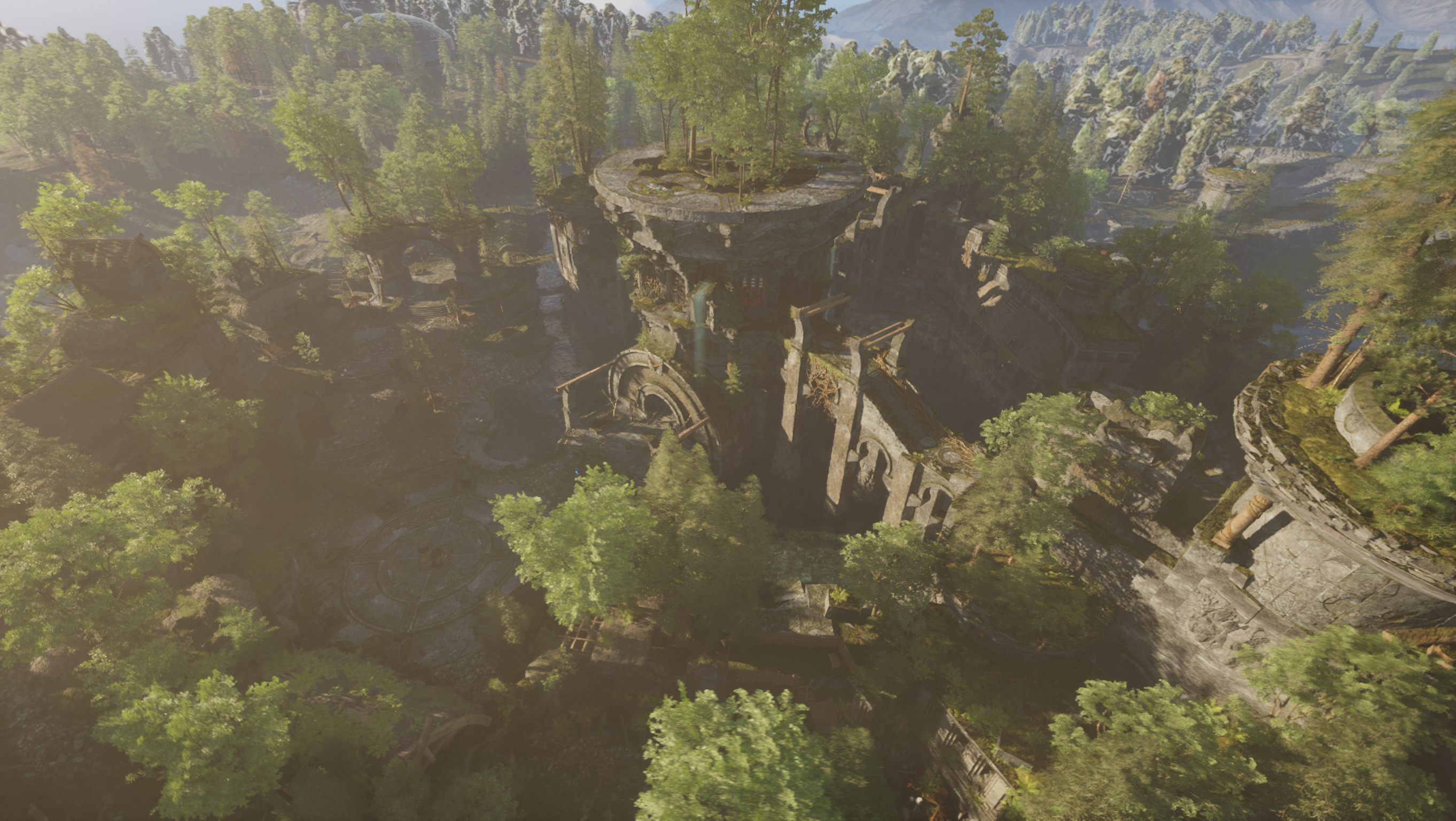
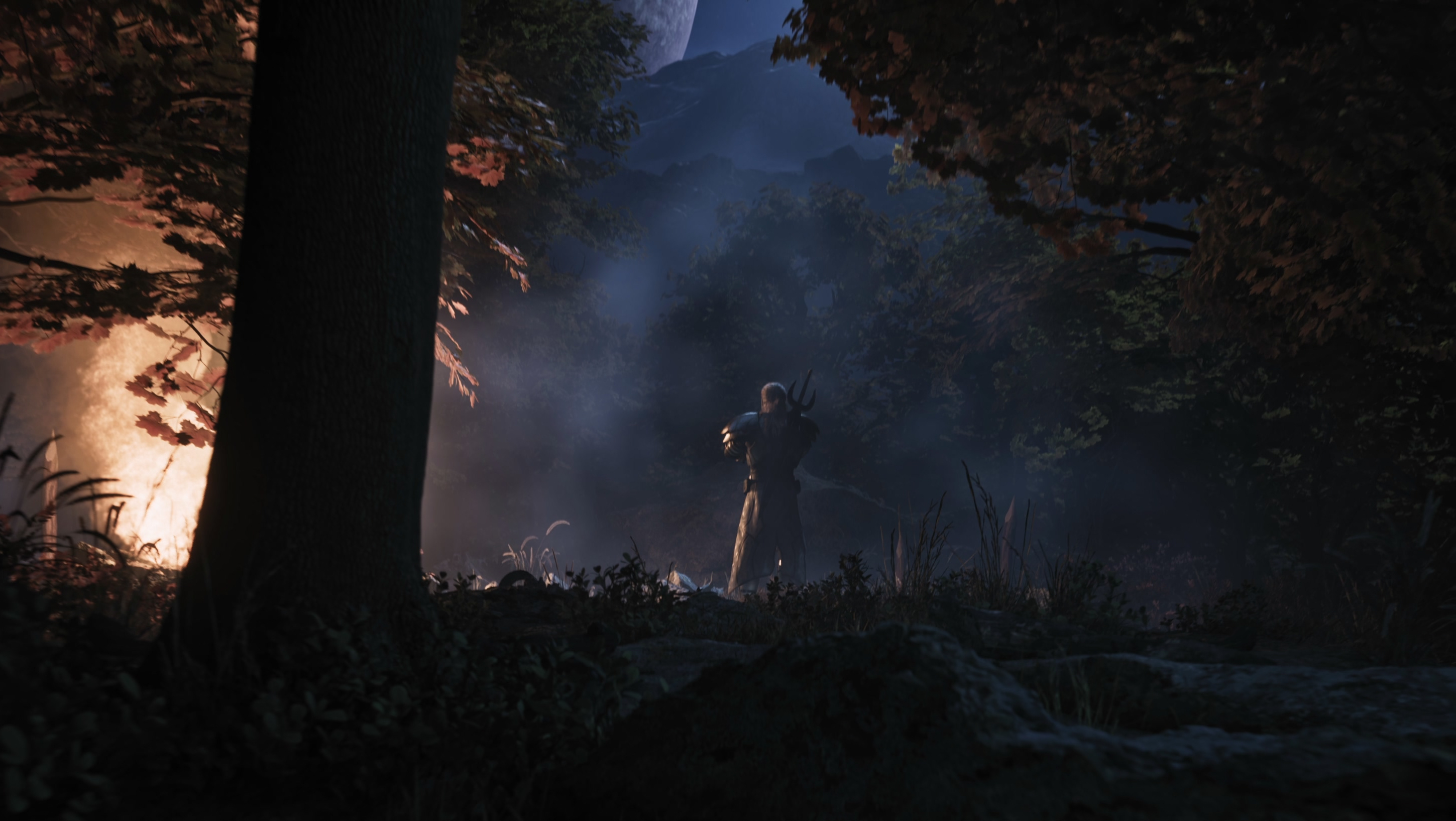
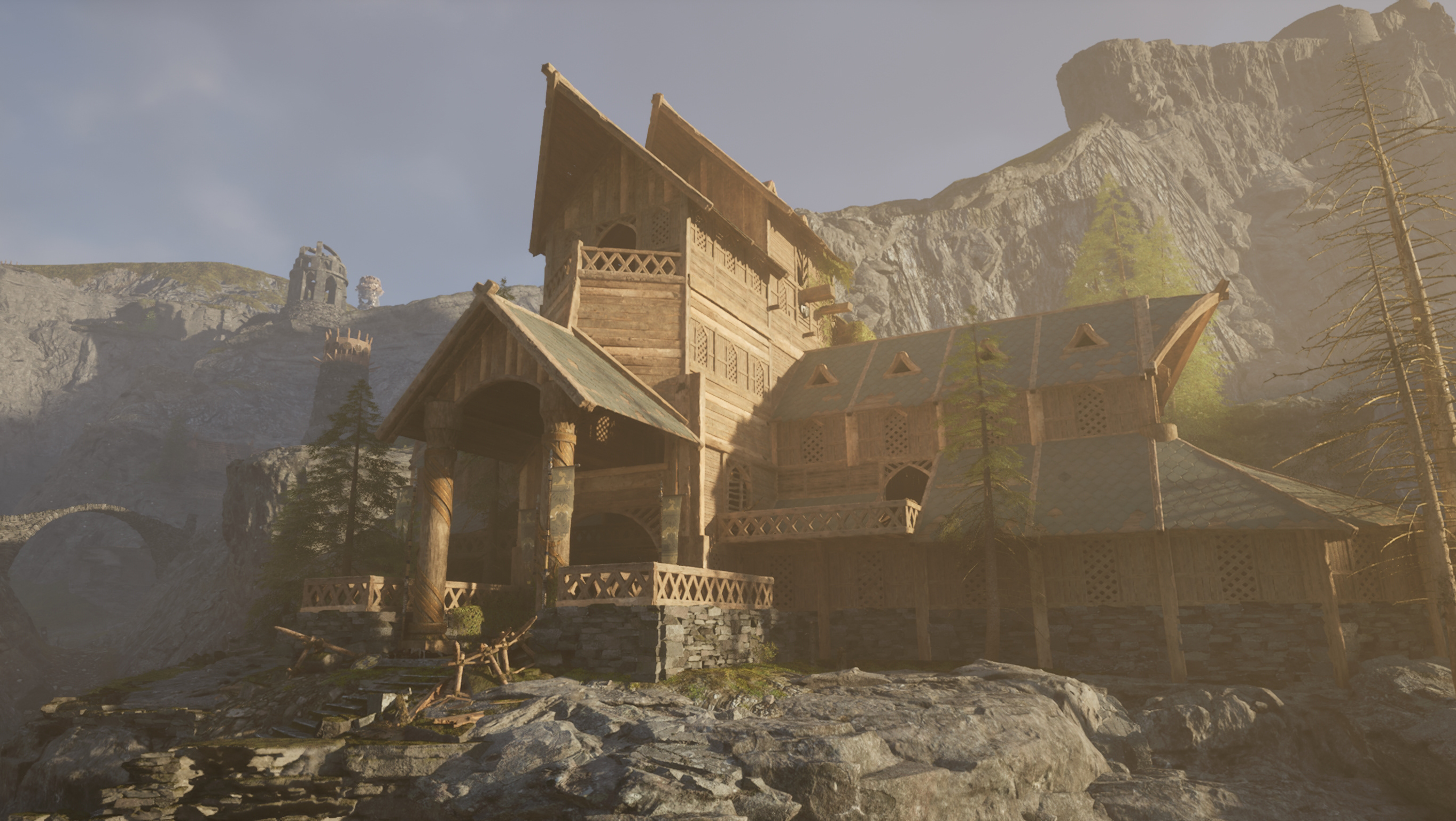
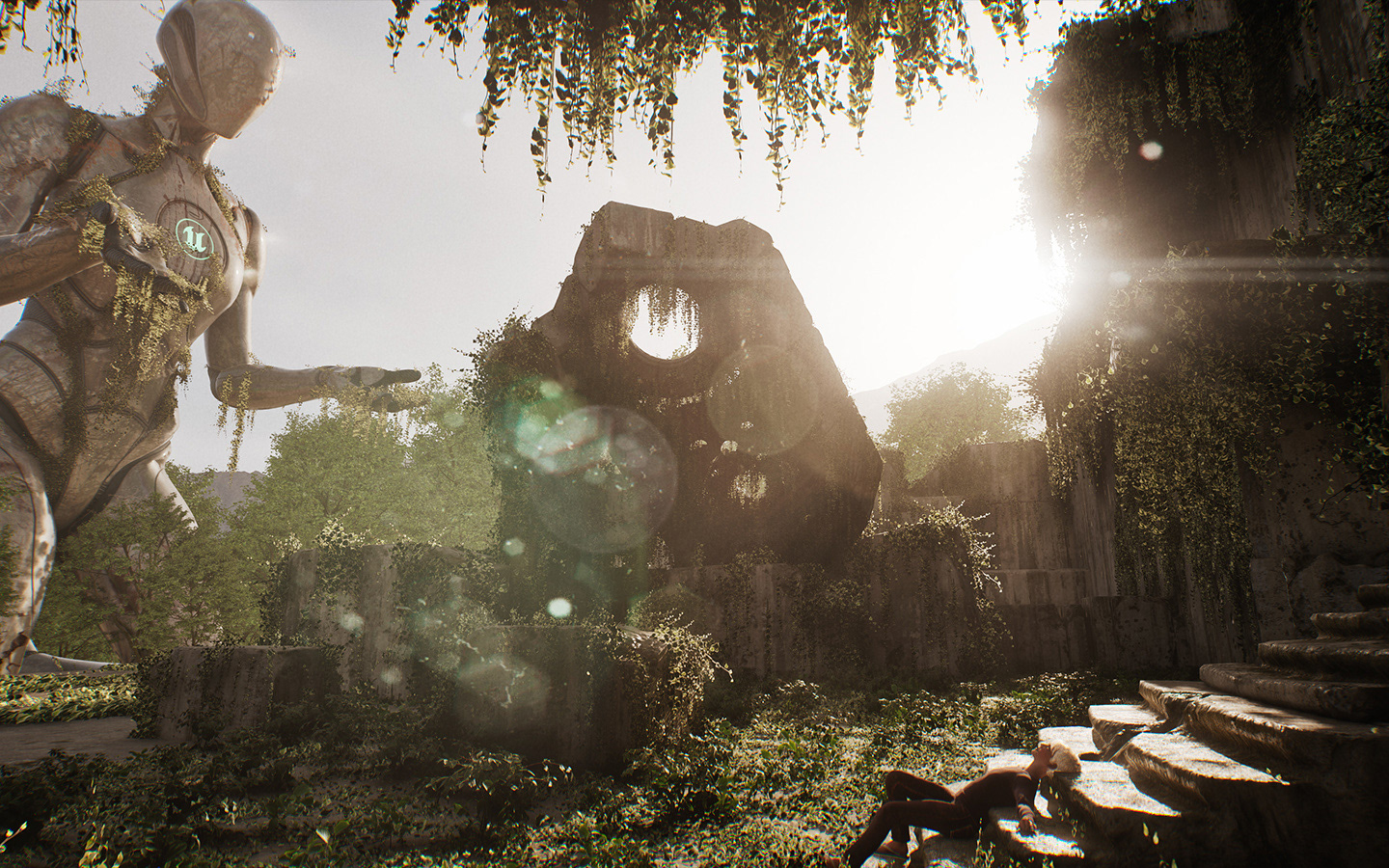
All the vines and plants were procedurally generated in this scene. All I did was copy the PCG volumes willy nilly in all directions and viola!
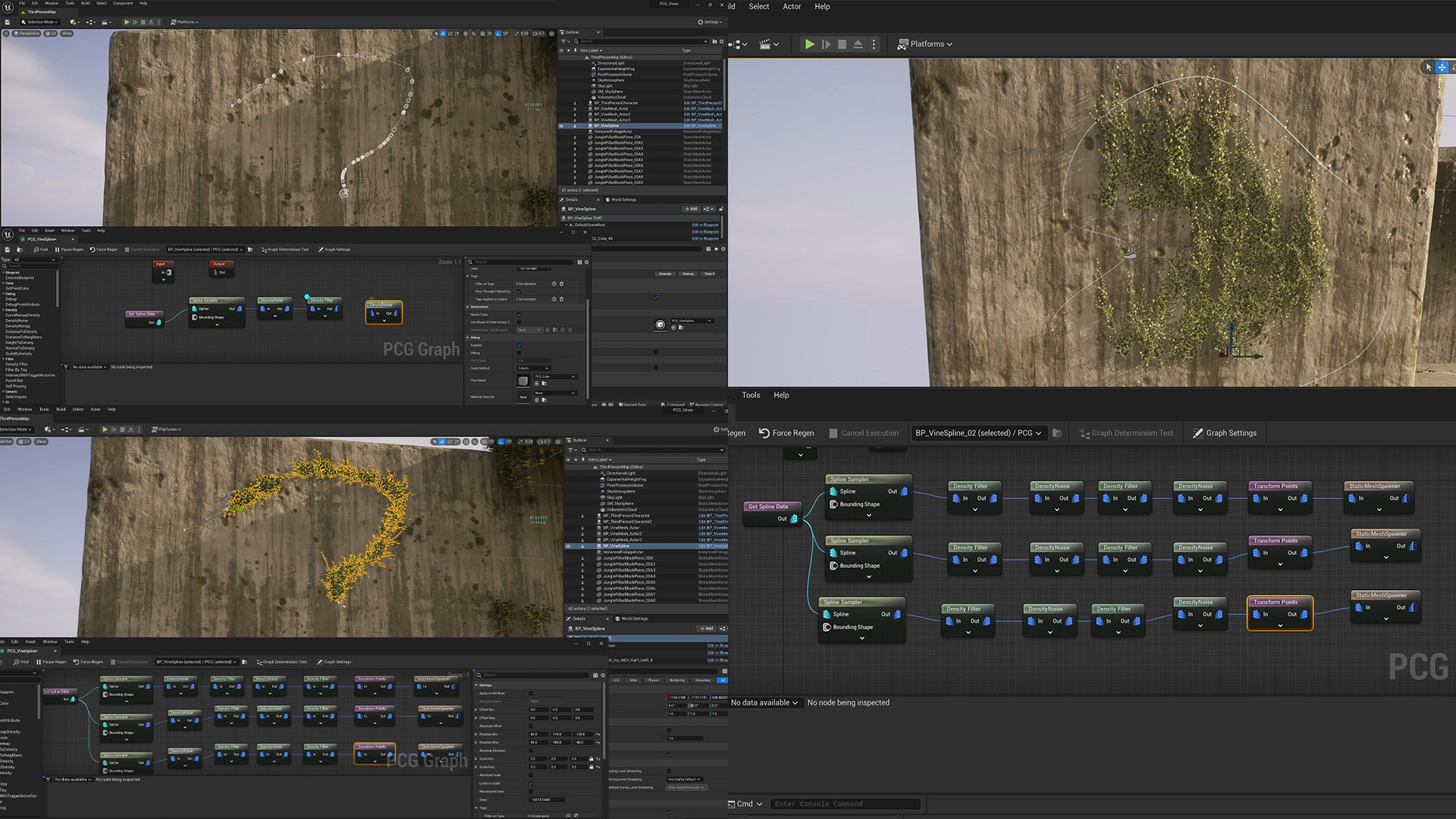
Did I say PCG works with pretty much anything? Yeah you can plot points along a spline too. Or inside a closed loop.
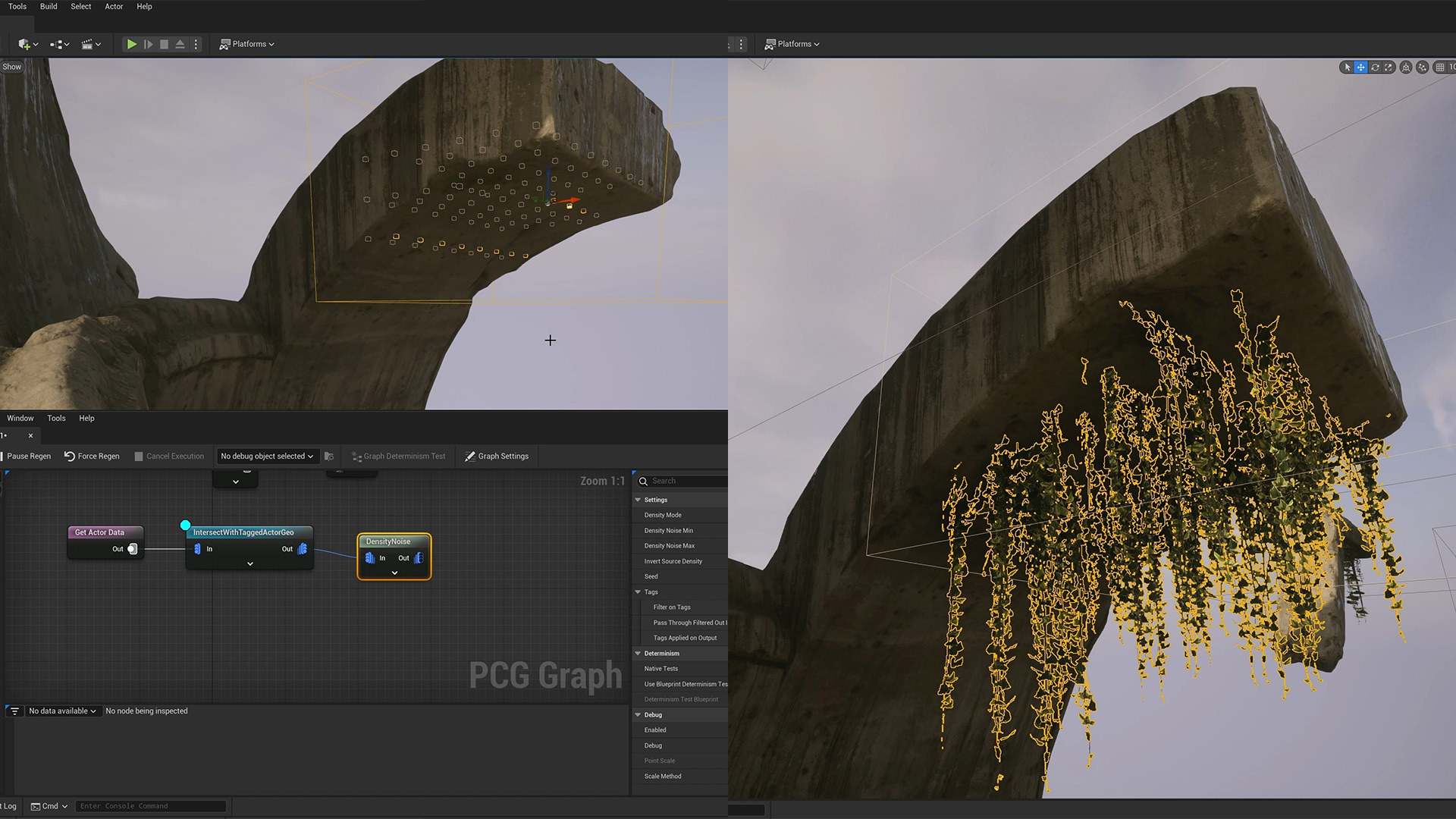
My favourite one is using a volumes and intersections to plot points. Although I need to do more experimenting with it.
With this tutorial I tried to show the exact process of everything I learned about PCG in a fast, concise format. Because there was so much to cover, it still ended up being quite long though. 

You may also like

Back to Top