Role & Contribution
Technical Instructor & Content Creator - Wrote, recorded, and edited the entire one-hour tutorial, guiding viewers through the process of creating advanced volumetric lighting effects.

Goal & Challenge 
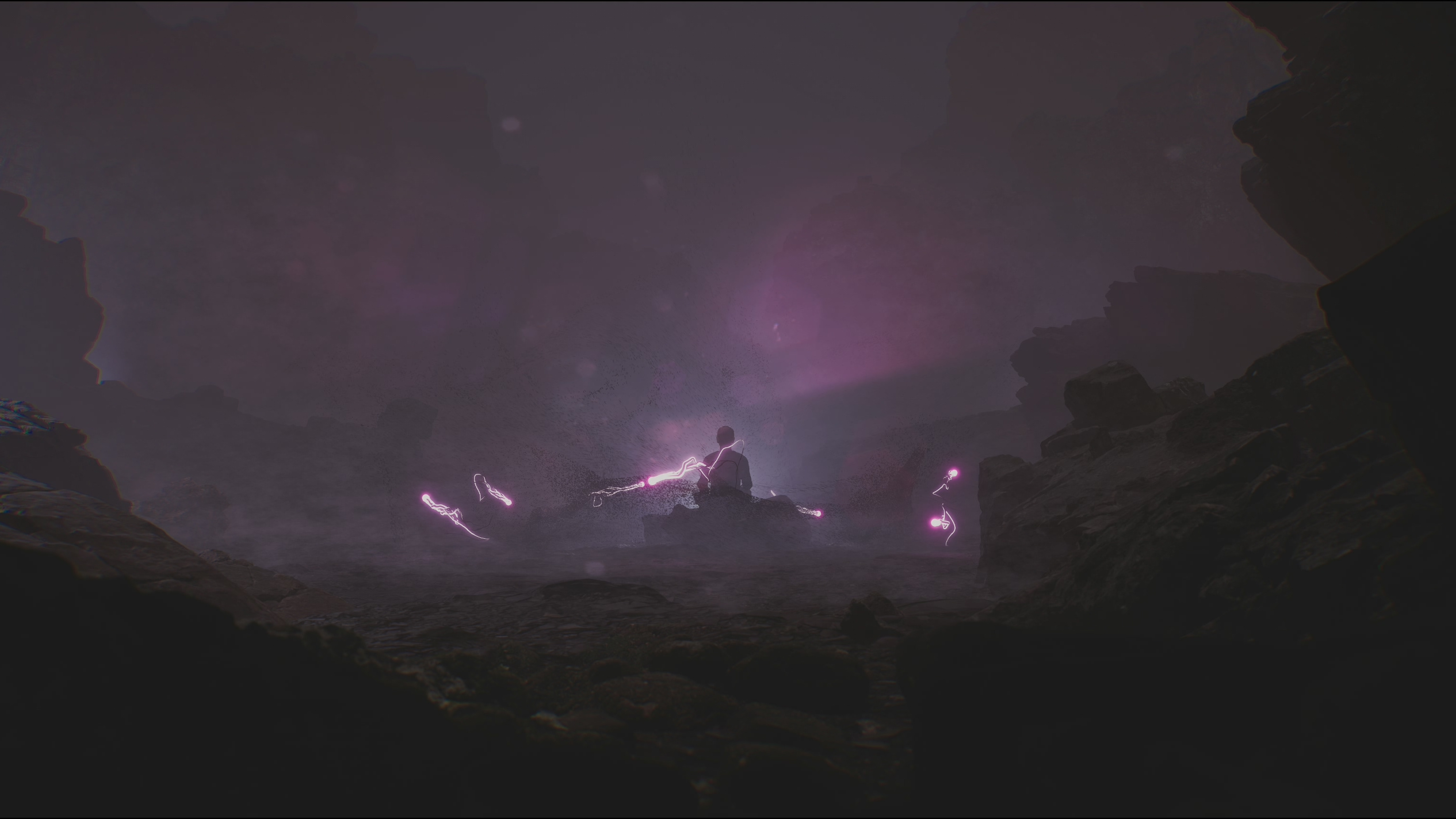
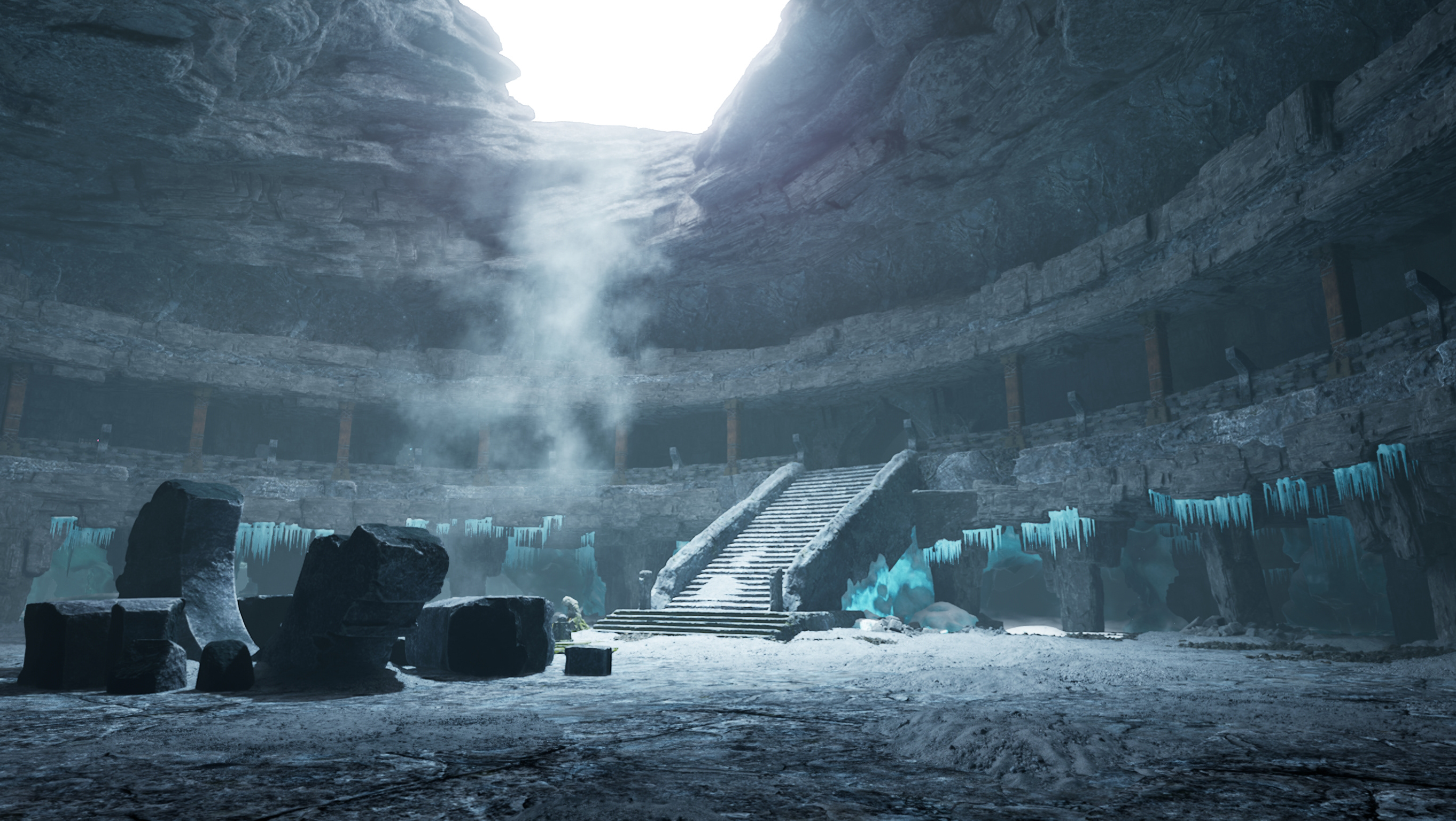
The primary goal was to provide a highly comprehensive tutorial that demystified the creation of cinematic volumetric fog effects in Unreal Engine. The challenge was structuring an hour's worth of advanced technical material into a clear, engaging format that a wide range of users, from beginners to experienced artists, could follow.

Process & Educational Strategy 
The tutorial was designed to be highly practical, moving logically through the steps of constructing a complex cinematic scene. The one-hour video was structured around a clear pipeline, starting with material set-up then blueprint setup. Broken in places with cinematic shots and music for flow and rhythm. The tutorial's strong community reception and positive comments validate my ability to not only execute complex effects but also to successfully teach and communicate those technical processes clearly to a large, engaged audience.

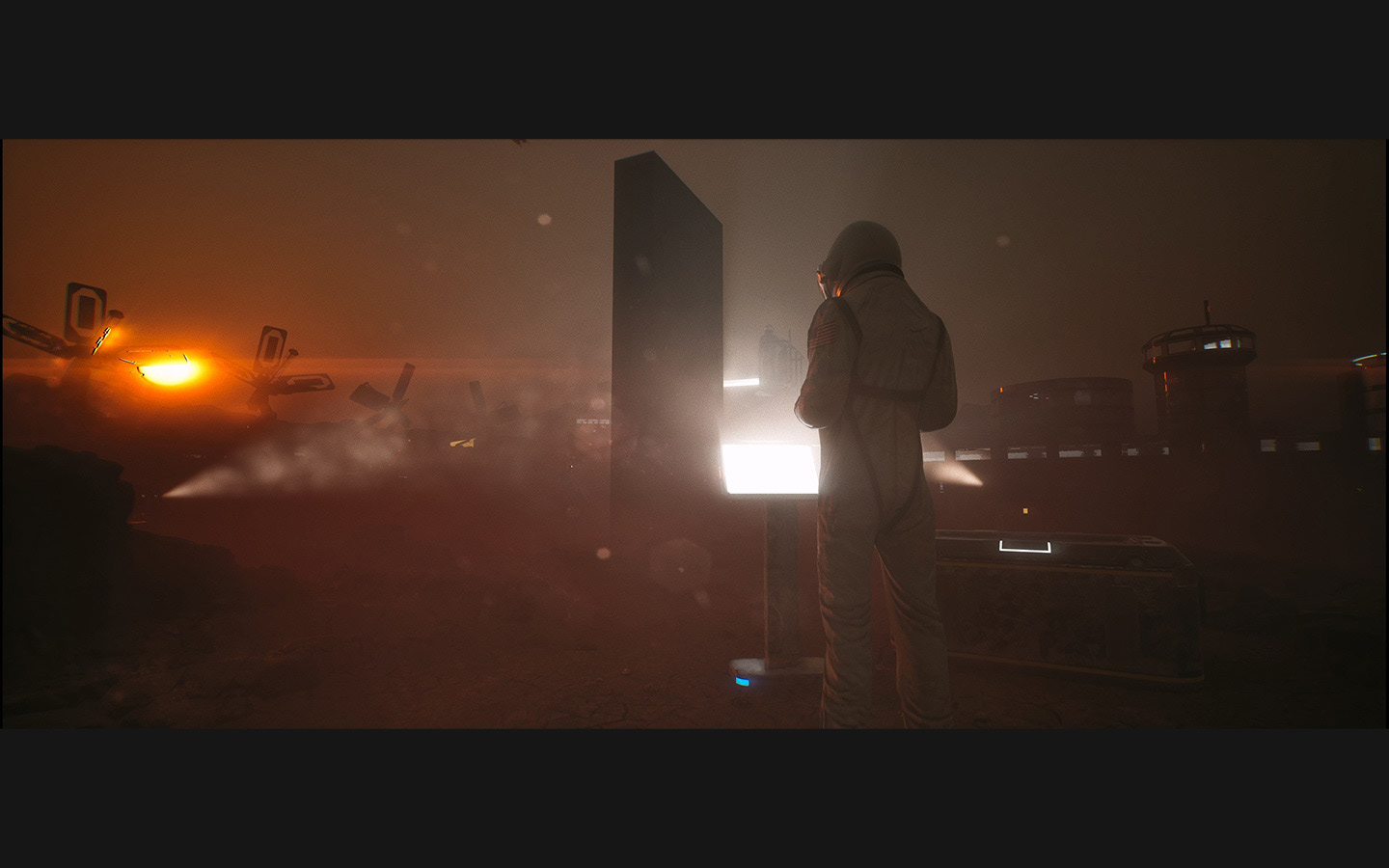
Volumetric fog is one of those magical things in 3D that I awestruck by when I first encountered it. I naturally wanted to learn how to use it with my own hands when I first started learning 3D art. 
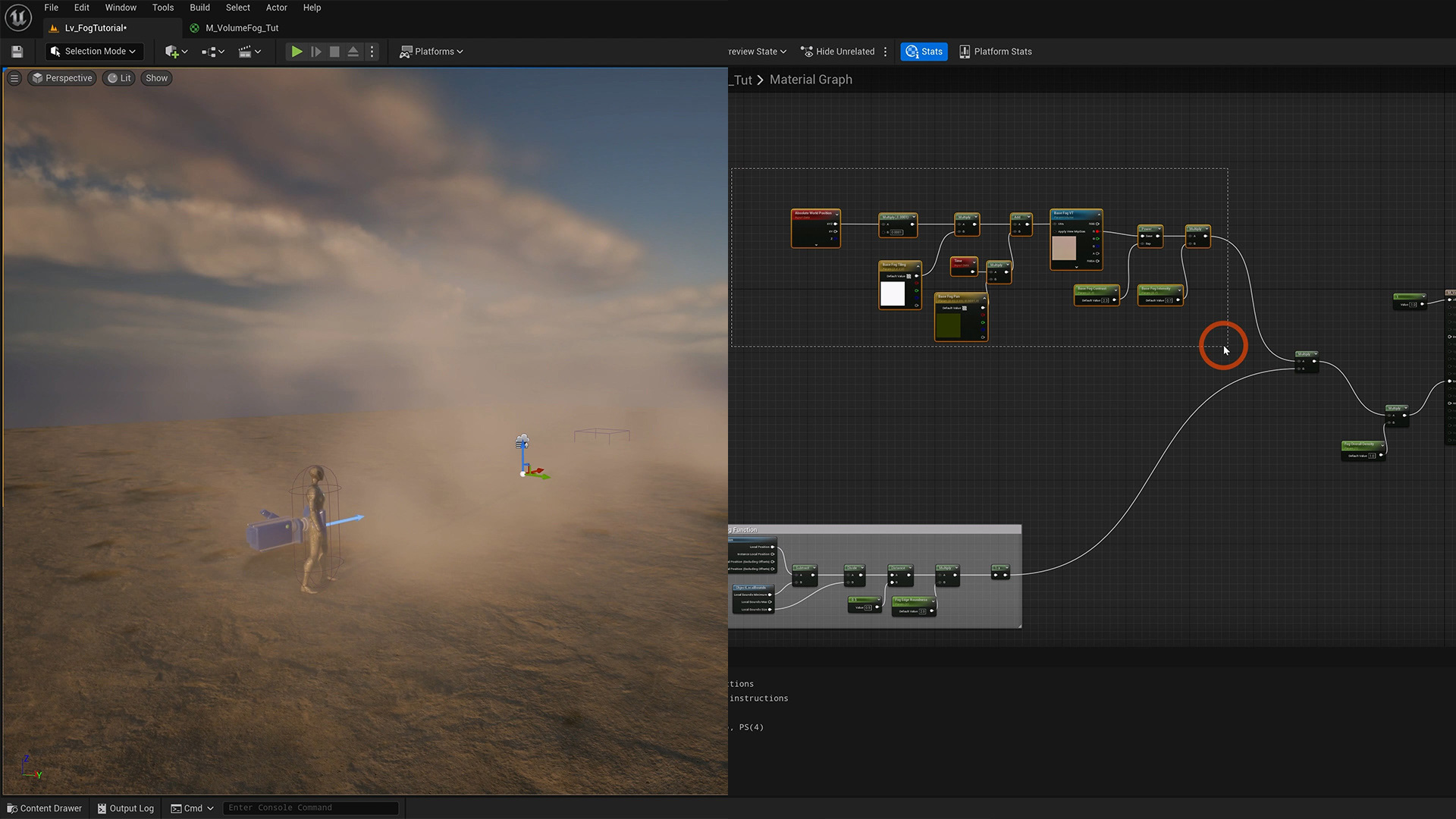
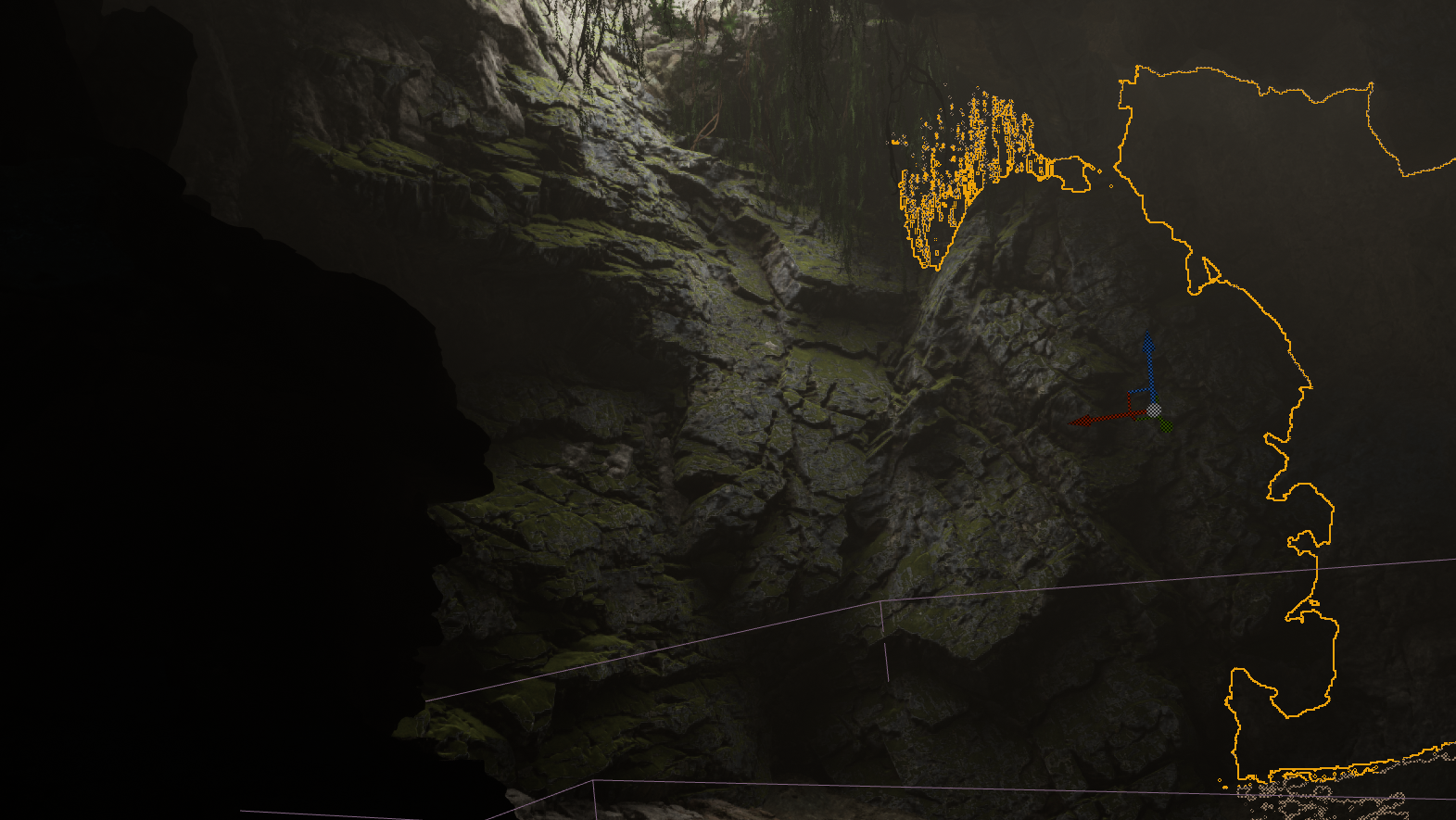
Showing how to set up the volume fog material. I show it in progressive steps so you can make it as simple or complex as you want.
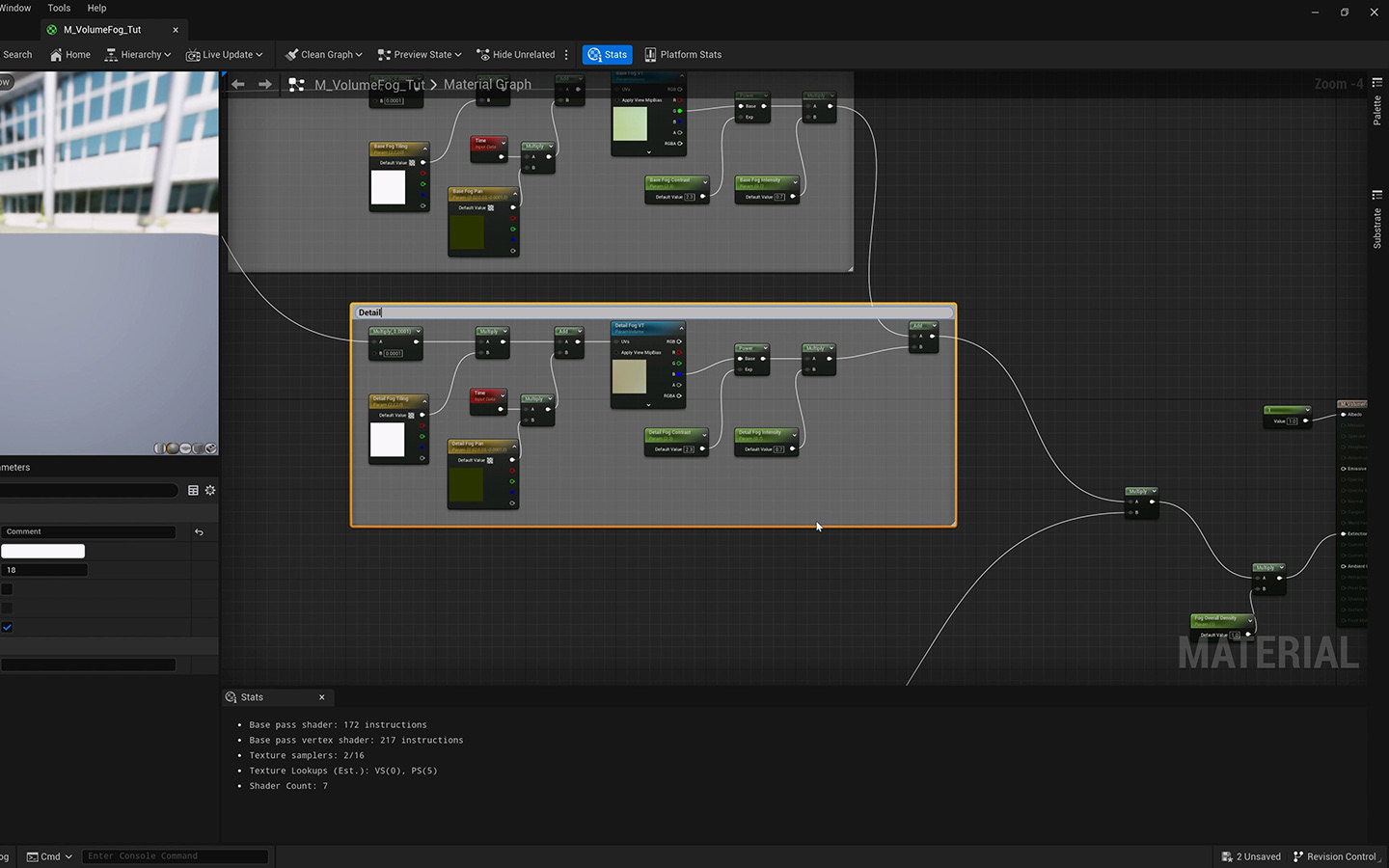
The material node graph in Unreal Engine is fun to play around with. It can be overwhelming at first but if you get used it, it feels a bit like doing drawing with maths and textures in a quasi lego kind of way. 
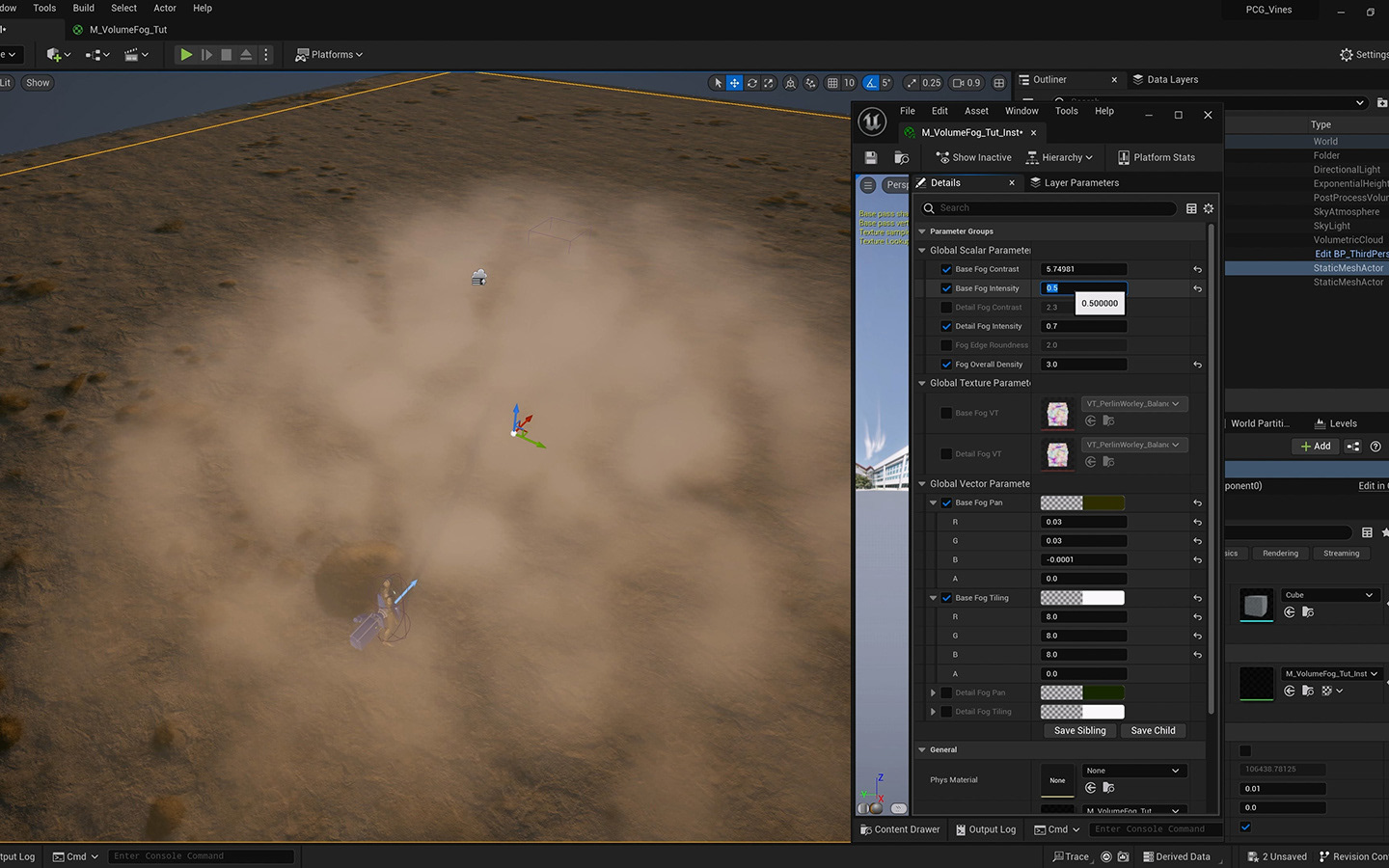
After setting up the volume fog material, all the different parameters - like how big the cloudy bits are, how dense the fog is etc - can be controlled via the material instance.
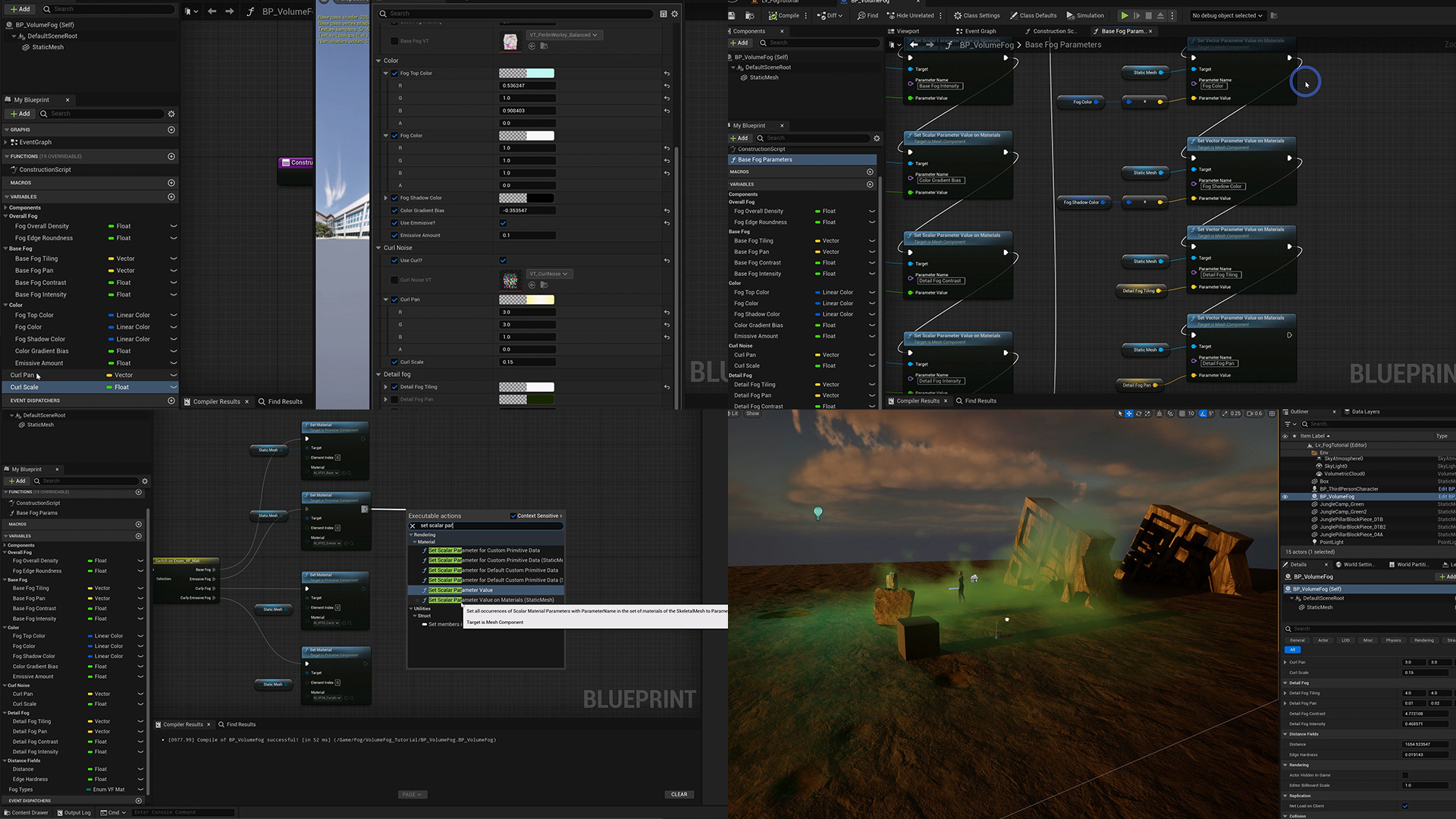
However for better workflow and usability, setting up a blueprint actor is much more practical and better for performance. The second half of the tutorial shows how to set up the blueprint actor.
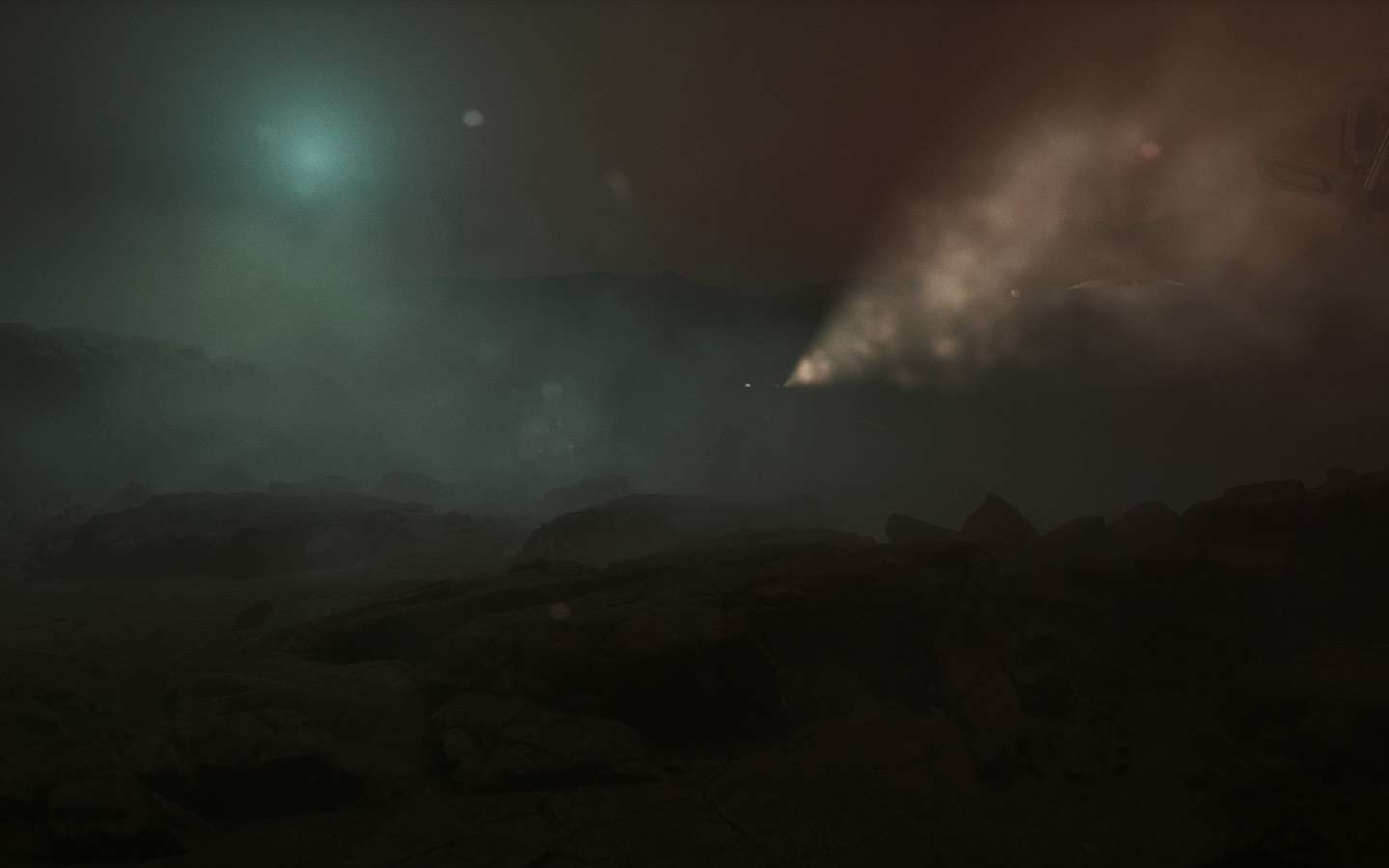
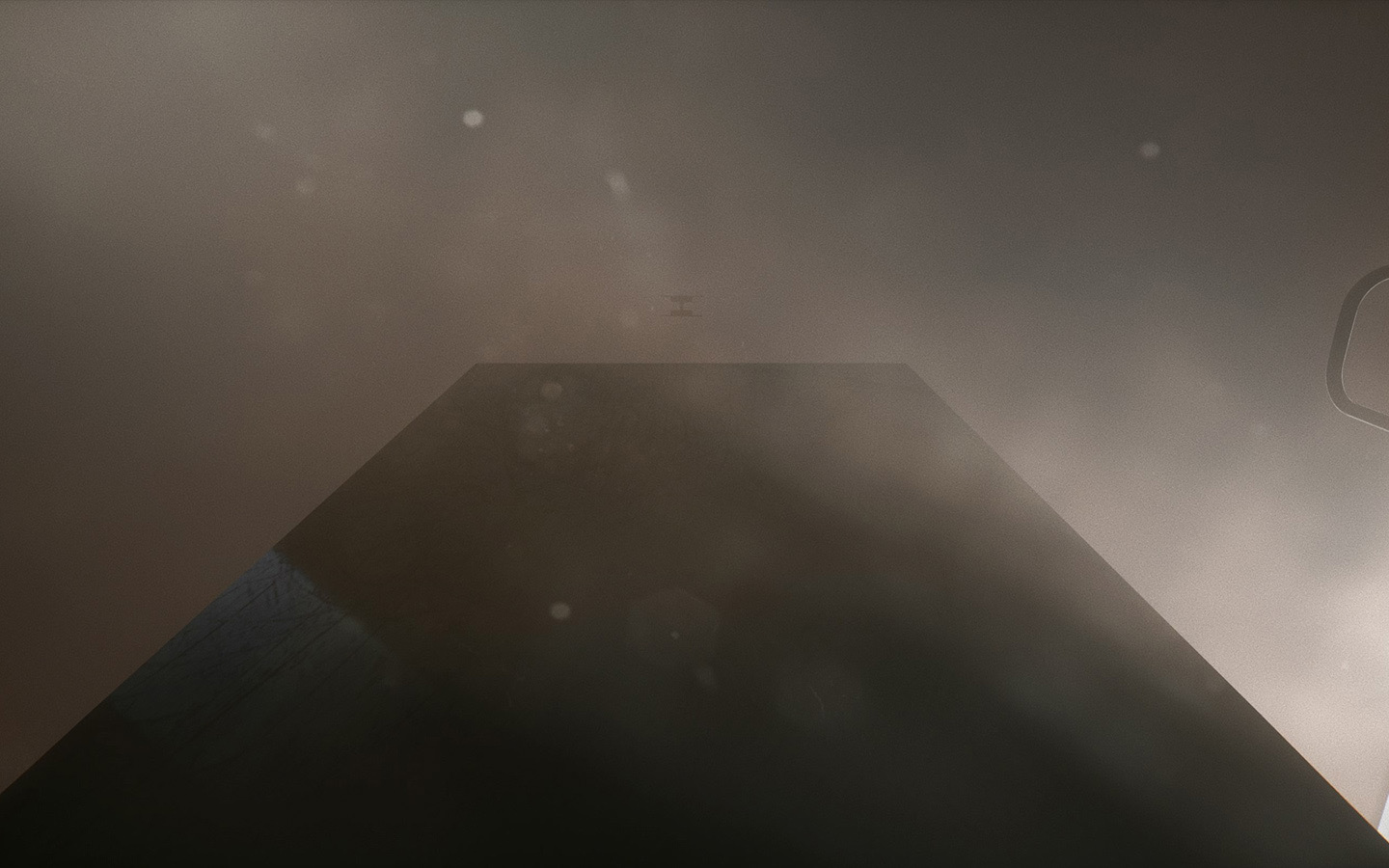
Similar principle can be applied in Unreal Engine to create blueprint actors that can aid you in building a level.
You may also like

Back to Top